Content infrastructure for modern apps
A headless content management system with dynamic content modeling, multi-tenant architecture, and fine-grained access control — built on Supabase.
FEATURES
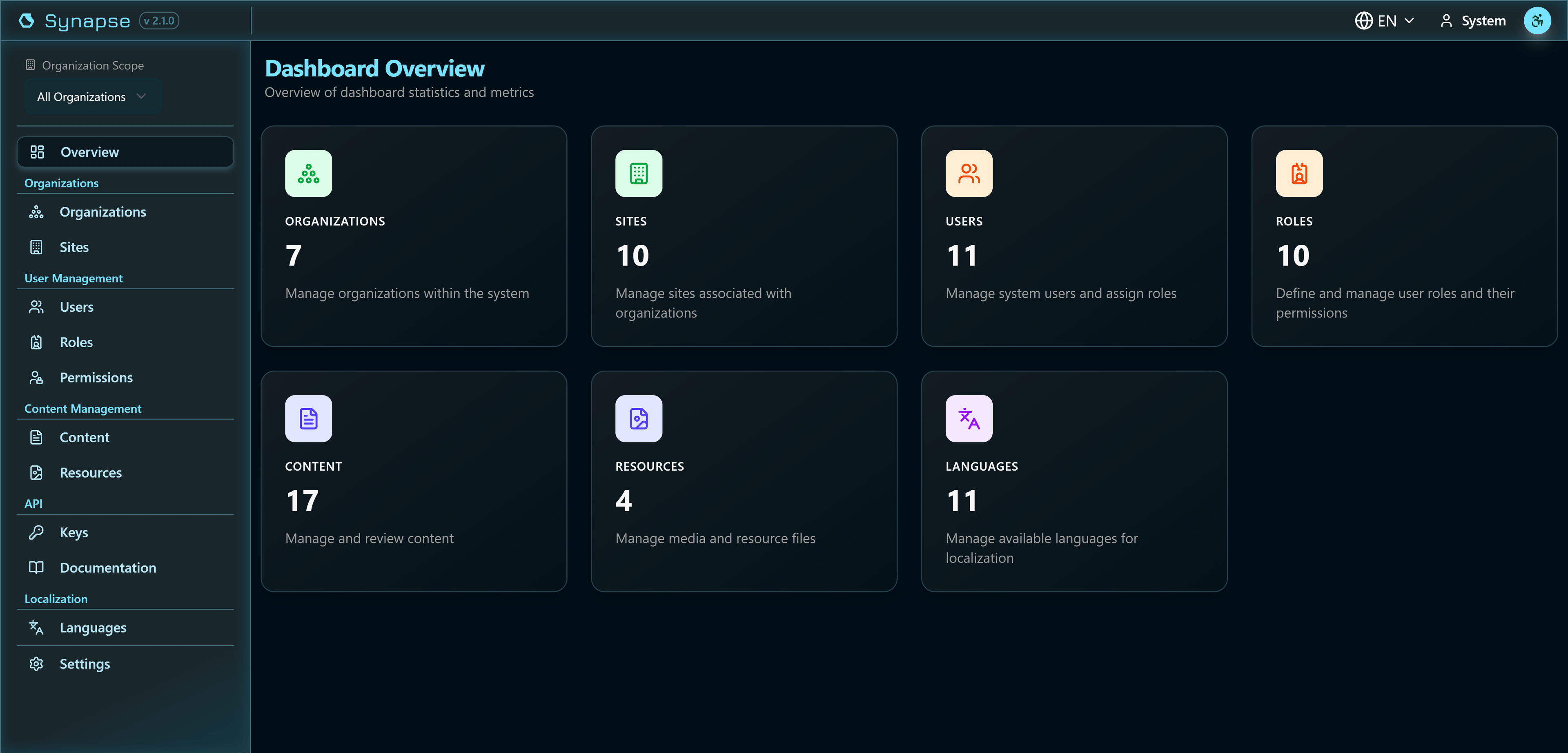
A complete content management workspace
Manage content types, entries, users, and resources from a unified, responsive dashboard. Dark and light themes with full accessibility controls.
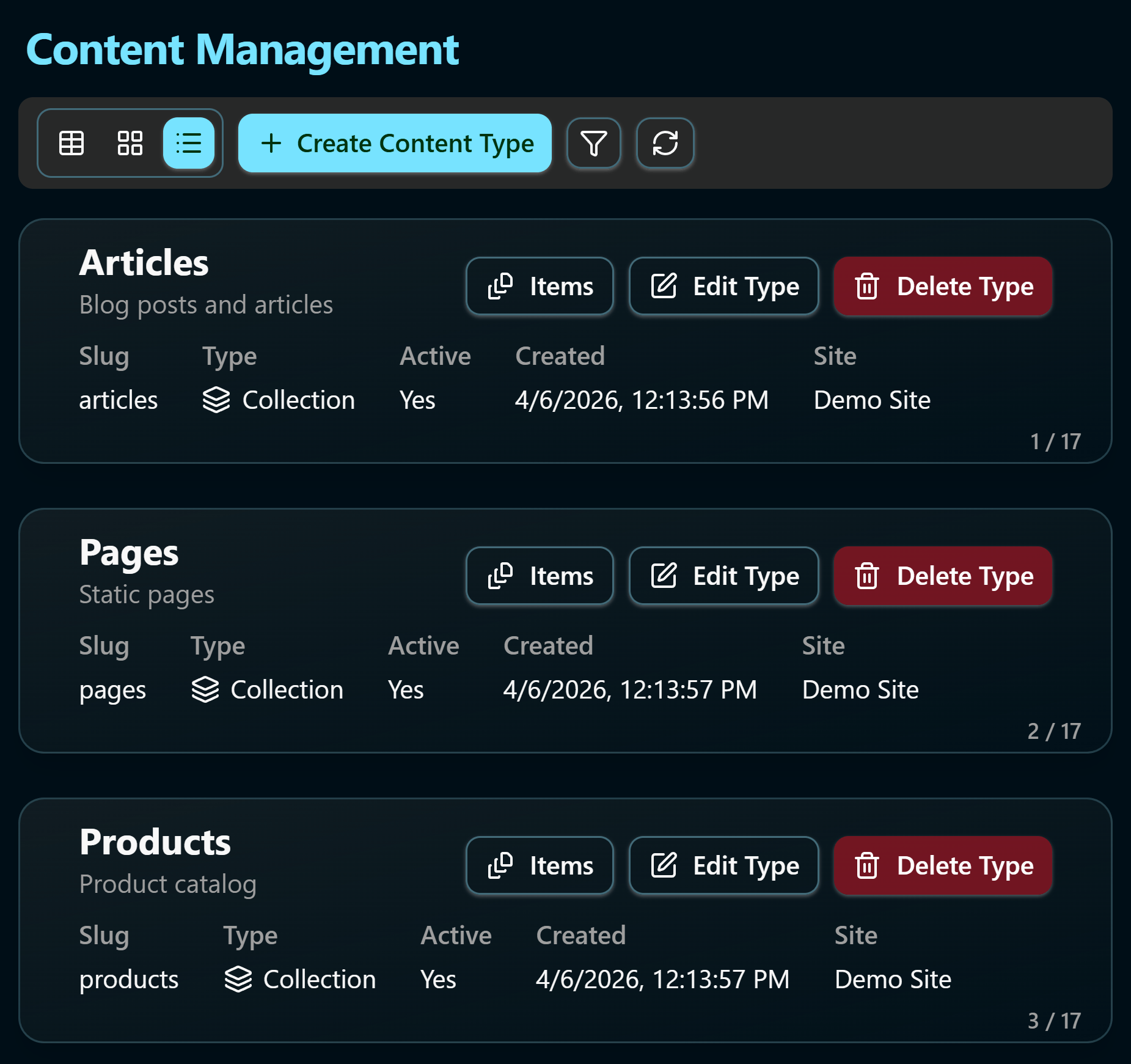
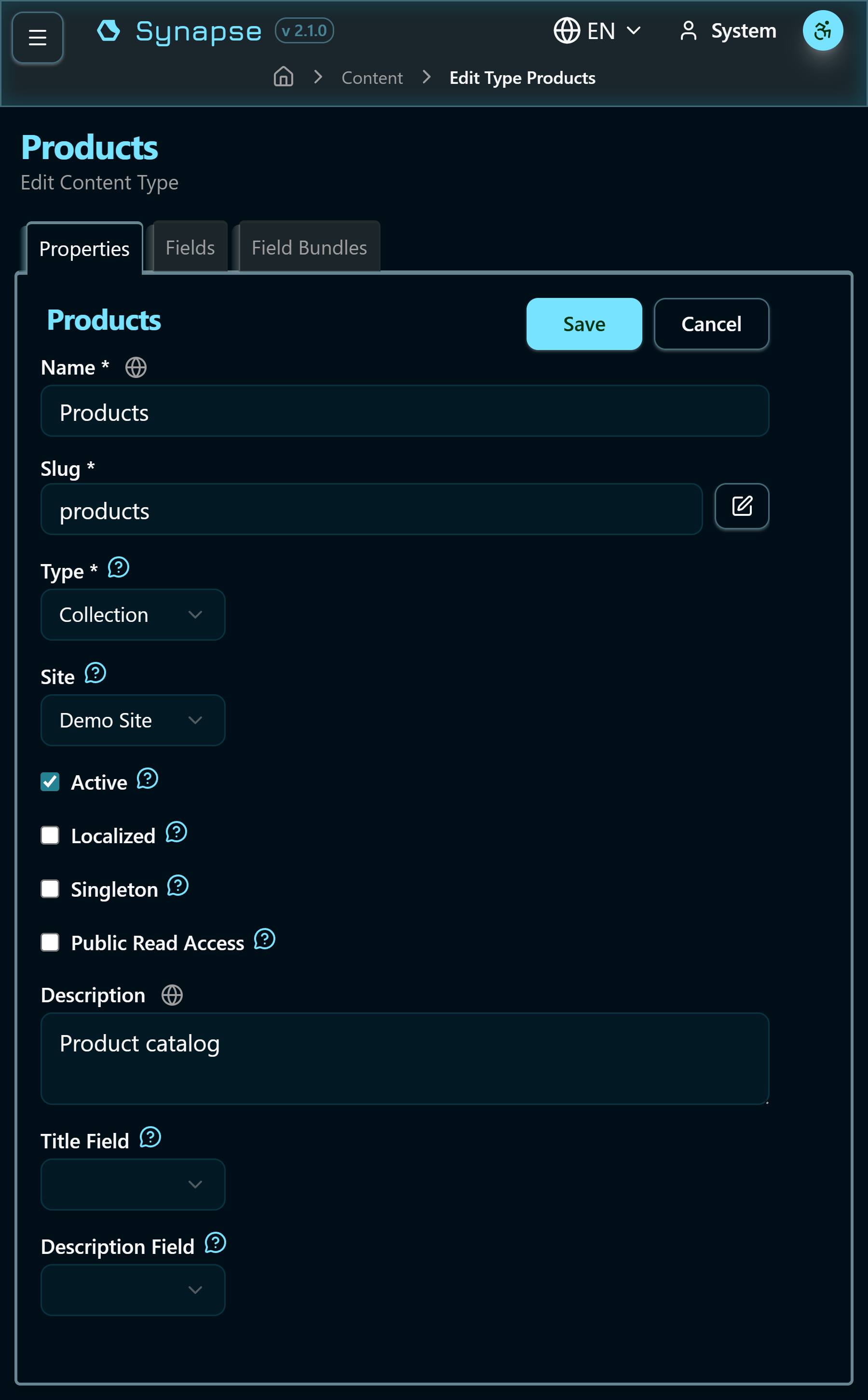
Model your content and data
Create collections (multiple entries) or singletons (single entry) with a rich set of configurable fields. Add validation rules, localization, and indexes — no code required.
- 14+ field types including text, rich text, number, JSON, color, media, and relations
- Per-field localization with locale tabs and automatic fallback
- Required, unique, and indexed field options
- Auto-generated slugs validated for uniqueness
- Collection or singleton mode per content type
- Draft, Published, and Archived content statuses
Organizations and sites
Manage multiple brands, clients, or projects from a single instance. Each organization can have unlimited sites with fully isolated content, users, and permissions.
- Unlimited organizations with unlimited sites each
- Content and roles isolated per organization and site
- Content types can be global or site-specific
- Auto-namespaced database views per org and site
- Timezone and geographic settings per site
- Users can be members of multiple organizations simultaneously
Auto-generated REST endpoints
Every content type automatically generates a namespaced database view — accessible via REST, Supabase client libraries, or direct SQL. No custom endpoints to write or maintain.
- Views named by organization + site + content type
- Only published content exposed via public views
- Users can issue and revoke their own API keys
- API keys secured in Supabase Vault
- Endpoints for resource management and content preview
Fine-grained access control
Invite users by email or create them directly. Assign roles at the organization or site level with full RBAC support — including custom permissions per content type.
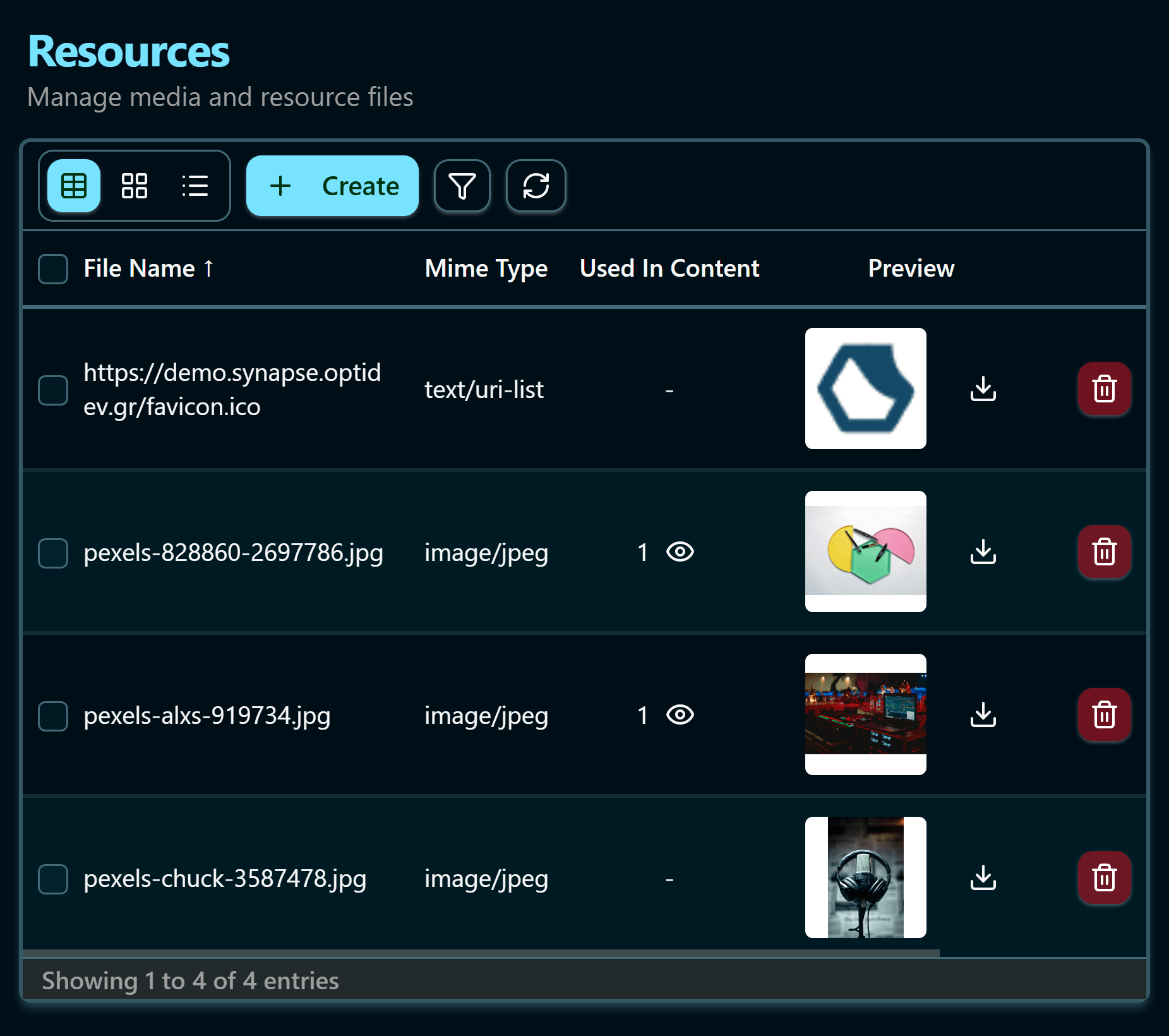
Store and manage media assets
Upload and organize media files directly within the dashboard. Files are stored in Supabase Storage with built-in secure access control.
- Upload images, videos, documents, and more
- Save links as resources without uploading
- Limit the types and sizes of files that can be uploaded per content type
- Secure access with expiring URLs and permissions
Built for multilingual content
Enable localization at both the content type and field level. Each locale gets its own tab in the editor, with automatic fallback to the default language. The admin dashboard itself also supports multiple UI languages independently.
Try Synapse
Test Synapse CMS and learn how you can build your content infrastructure in minutes.
Check the demo